5 Keys to Pick a “Super Secure” Laptop Bag
For professionals or students who frequently carry laptops, a reliable laptop bag is more than just a “storage tool”—it’s a “protective shield” for your device. But with countless options on the market, how to identify a “qualified” one? Below are practical tips covering core performance and user-centric design:
1. Shockproof Performance: Liner Is the Core
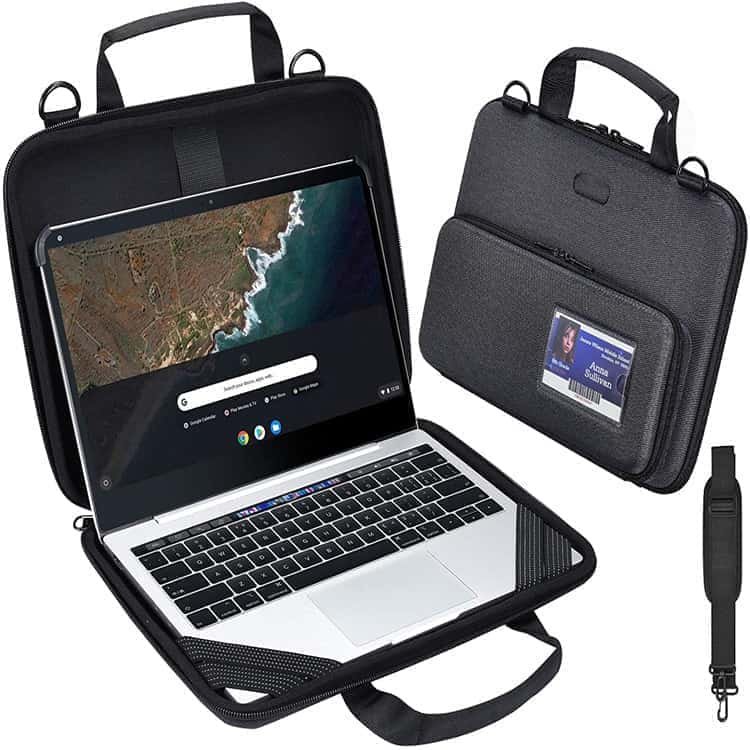
The liner is the key to protecting laptops from impacts. High-quality laptop bags usually adopt high-density EVA or memory foam as liner materials, which offer strong elasticity and cushioning. When paired with a 360° wrapping design, they can effectively absorb external shocks (e.g., accidental drops).
Key checks:
Look for a 3D quilted liner:
This structure reduces the laptop’s shaking inside the bag during movement, avoiding scratches from friction.
Verify impact resistance:
Premium models often pass strict drop tests (e.g., 1.2-meter drop with zero device damage), ensuring reliability in real scenarios like slipping from desks or commuter platforms.
2. Fabric: Decides Durability & Adaptability
The outer fabric determines the bag’s lifespan and ability to withstand daily wear and environmental factors. Choose based on usage scenarios:
Daily commuting:
Prioritize 600D Oxford cloth or 1680D nylon. These fabrics have a tight weave, wear-resistant texture, and are often coated with a waterproof layer (PU/PVC) to resist sudden rain or splashes.
Lightweight needs (long walks/travel):
Opt for 420D tear-resistant fabric. It’s about 20% lighter than traditional heavy-duty fabrics while maintaining sufficient tear strength, reducing shoulder strain during long carries. Note: Avoid fabrics thinner than 300D for long-term use—they may tear easily after repeated friction with backpacks or door frames.
3. Compartment Design:
Balances Protection & Practicality A good compartment system protects the laptop and improves storage efficiency, preventing chaos and damage from mixed storage. Focus on these details:
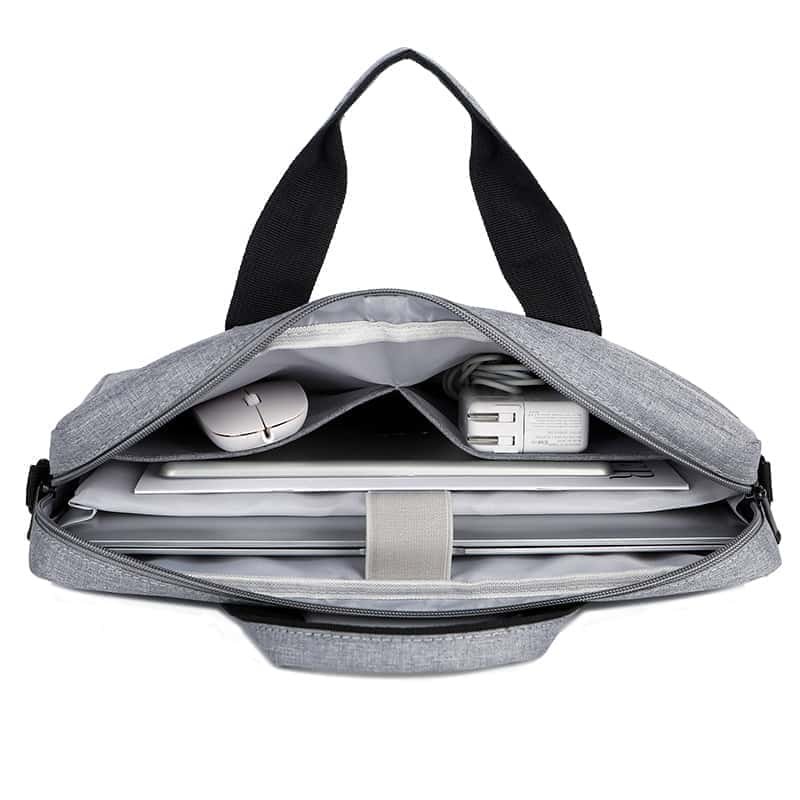
Independent laptop compartment:
Ensure it fits your device size (13-inch/15.6-inch) snugly—too loose causes shaking, too tight may scratch the shell. Some add soft fleece lining to protect the screen.
Functional sub-compartments:
Separate charger pockets: Prevent hard plugs from scratching the laptop screen/body.
Zippered document pockets:
Store notebooks, business cards, or passports to avoid loss.
Hidden compartments:
For umbrellas, water bottles, or valuables (wallets), isolating them from electronics to prevent water damage.
Quick-access designs:
Business models may have magnetic side pockets or front slip pockets for phones/transit cards—retrieve items without fully opening the bag, reducing theft or drop risks.
4. Carrying System: Comfort Affects Long-Term Use
Even a slim laptop feels heavy after hours of carrying, so a scientific carrying system is essential to reduce strain:
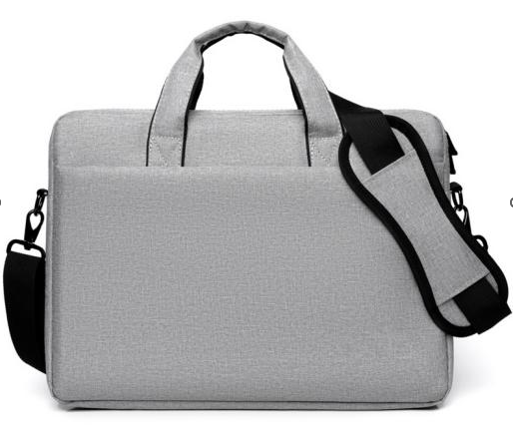
Shoulder straps:
Width: At least 4cm wide—wider straps distribute weight over a larger area, easing shoulder pressure.
Padding & breathability: Choose straps with high-elastic sponge and breathable mesh to avoid sweating in summer.
Anti-slip features: Some add anti-slip particles/silicone strips inside to prevent slipping off the shoulder.
Chest/waist straps: For large-capacity bags (15.6-inch + accessories), chest straps stabilize the bag and distribute weight to the torso, reducing fatigue.
Handles: If carried by hand, ensure the handle is wrapped in soft leather/thickened fabric, with reinforced stitching at connections to avoid breaking.
5. Details: Small Parts Reflect Overall Quality
Small components directly impact the bag’s lifespan and user experience—don’t overlook them:
- Zippers: High-quality zippers (e.g., YKK) open/close smoothly, with corrosion-resistant teeth. Premium bags test zippers through 5,000+ opening-closing cycles to avoid jamming or breaking.
- Stitching: Check density (at least 8 stitches per inch) and uniformity—neat, tight stitching prevents splitting at stress points (strap connections, compartment edges).
- Reinforced corners: The bottom and corners are most prone to wear; look for reinforced leather/rubber patches to extend lifespan.
- Hardware: Buckles, D-rings, or adjusters should be rust-resistant metal (zinc alloy) instead of plastic—plastic becomes brittle in extreme temperatures.
Final Tip: Match Your Usage Scenario
There’s no “one-size-fits-all” laptop bag—choose based on specific needs:
- Programmers/gamers: Need large expansion pockets for external hard drives, keyboards, or mice.
- Designers: Prefer minimalist, sleek designs matching professional aesthetics, with compartments for drawing tablets/styluses.
- Parents/travelers: Require extra space for baby items/adapters/snacks, while prioritizing waterproof and shockproof features.
If unsure, observe peers’ bags in your field, or clarify your carrying frequency, commute length, and accessory needs—this helps narrow options to a truly “super secure” laptop bag.